Little Wordsmiths
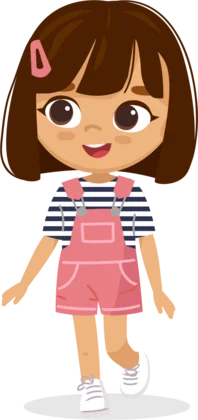
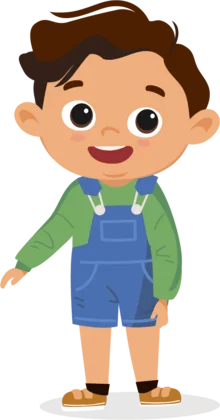
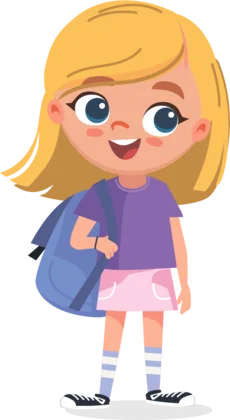
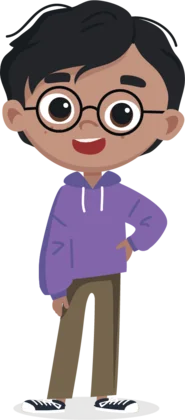
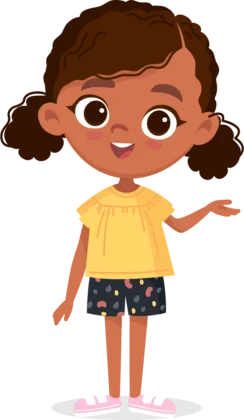
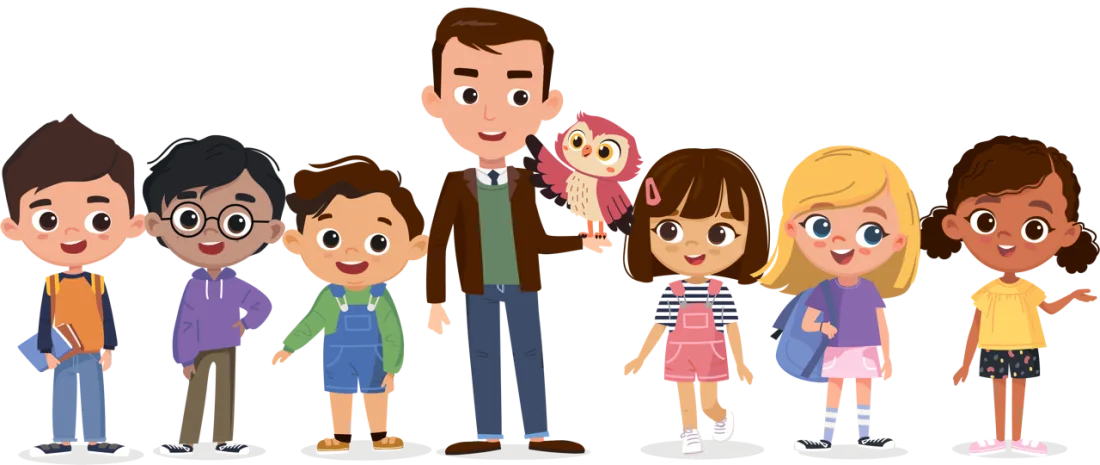
The Little Wordsmiths friends: Adam, Alysa, Carlos, Olivia, Rohit, Zuri and Professor William, with Sky the owl on his hand.
For parents and guardians

Your child’s day, and your door.

Little Wordsmiths is built for children ages 2 to 8, and built to be safe. Here is how it looks after your child, in plain words. The full detail is in the privacy policy. Last updated: October 15, 2026.

  • No ads and no chat
  • Reminders go to your phone, never your child’s
  • Delete any time
  • Ages 2 to 8, in 26 languages
The Grown-ups page

The week, in plain words

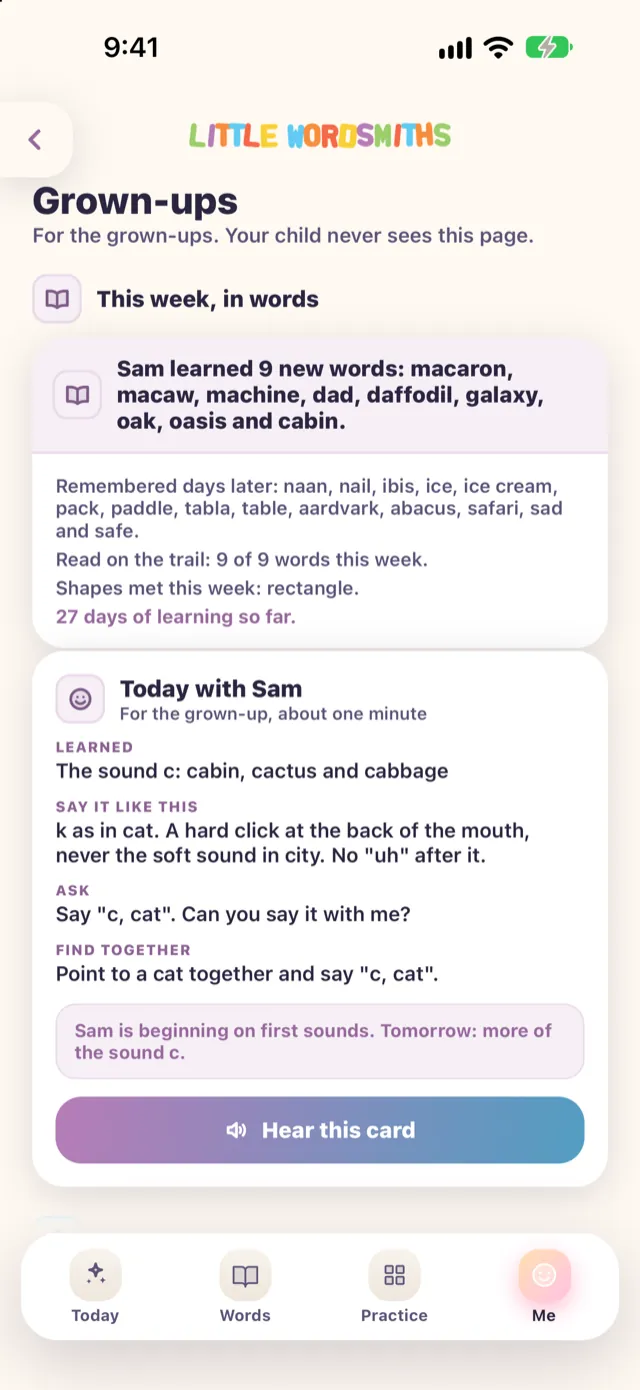
A look at the Grown-ups page, where the week is told in plain words.

  • What your child learned this week
  • Today’s sound
  • How to practise it at home
Sky the owl, waving a wing

This page sits behind the grown-ups door.

The Grown-ups page. This week, in words: a note that Sam learned 9 new words, with today’s sound and a tip for practising it at home.
A day in the app

What a day looks like

One short trail, a word that comes back, and a day that ends. Here are the three screens your child sees.

Sky the owl

No timer and no hearts to lose. Take your time.

One short trail

Sky the owl lays out a few stops picked for your child, such as new words, a letter and its sound, a little maths, a shape or a sentence. When the day’s trail is done, Sky says goodbye for today. No endless feed, no timers, no hearts to lose.
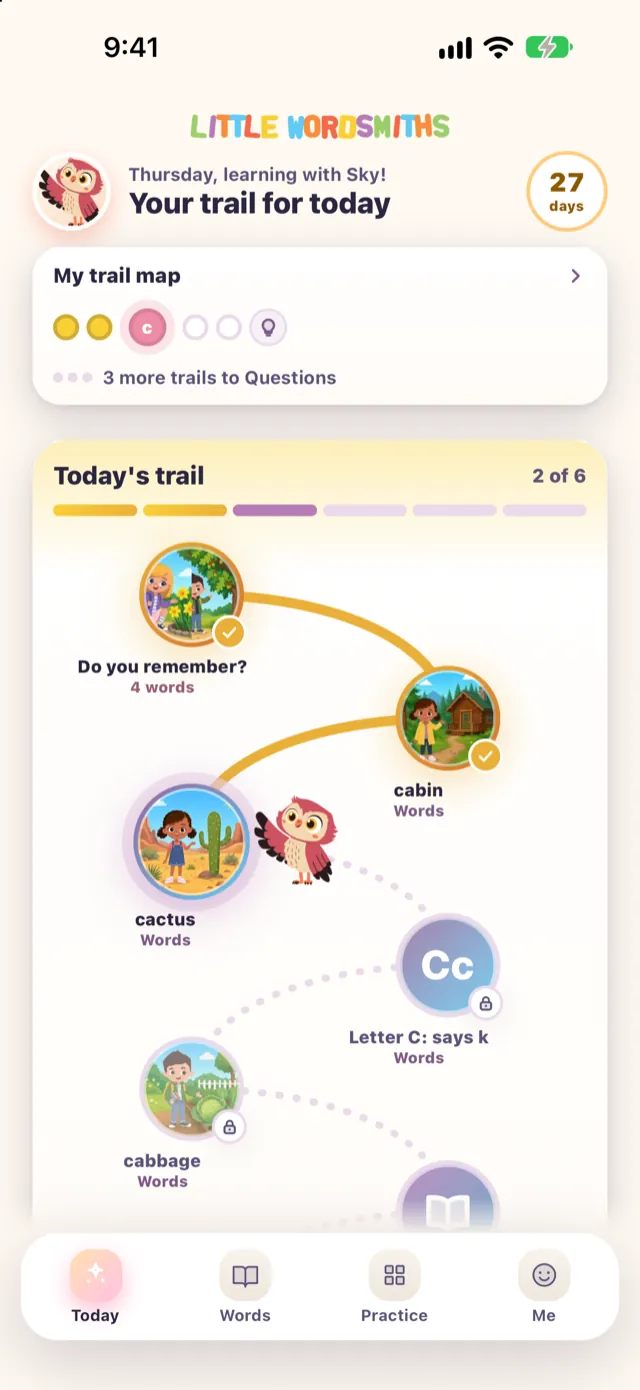
Today: Your trail for today, a map of the year strip, and a path of stops that begins with Do you remember?

Words that come back

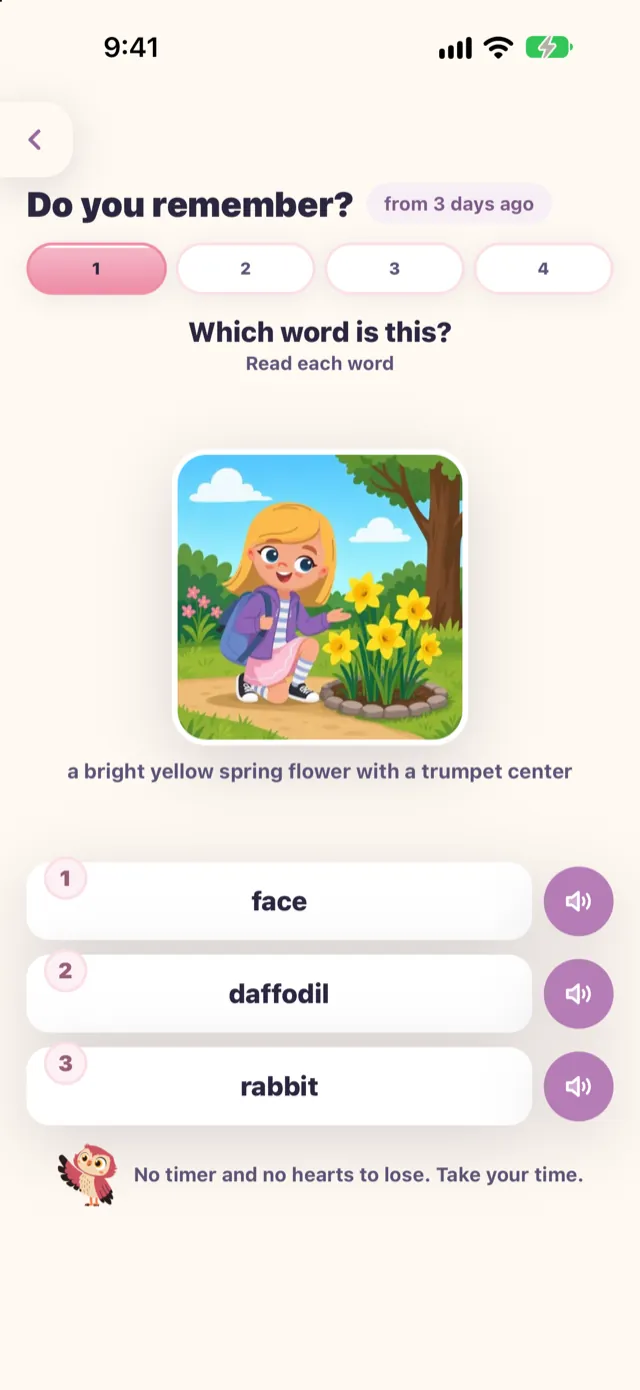
“Do you remember?” brings a word back to be reviewed, spaced out at around 1, 3, 7 and 14 days after it was learned. The timing adapts to your child’s answers. It shows what the word means and every answer can be heard.

  1. 1day
  2. 3days
  3. 7days
  4. 14days
Do you remember? from 3 days ago. Which word is this? A picture of a child kneeling by yellow flowers.

Days only add up

There is no streak to break. A rest day is just a rest day, and a missed day does not take a step away from the map of the year.

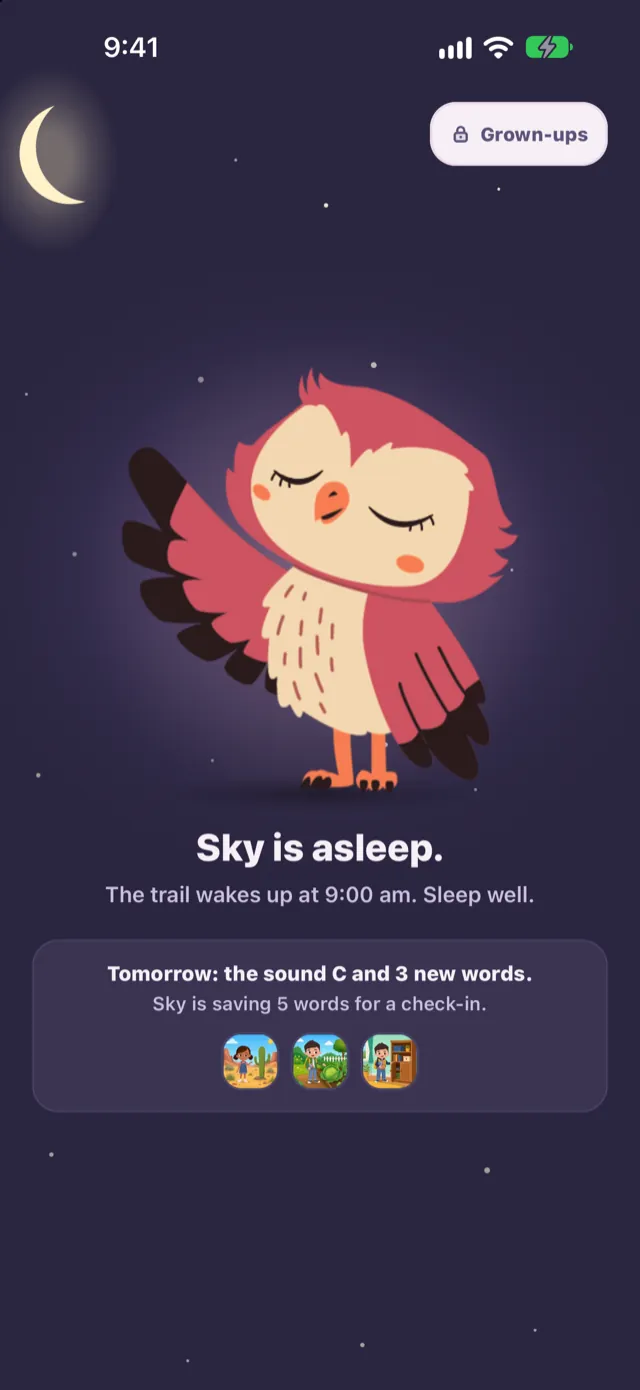
Sky the owl asleep on a night screen: Sky is asleep. The trail wakes up at 9:00 am.
The grown-ups door

What you control

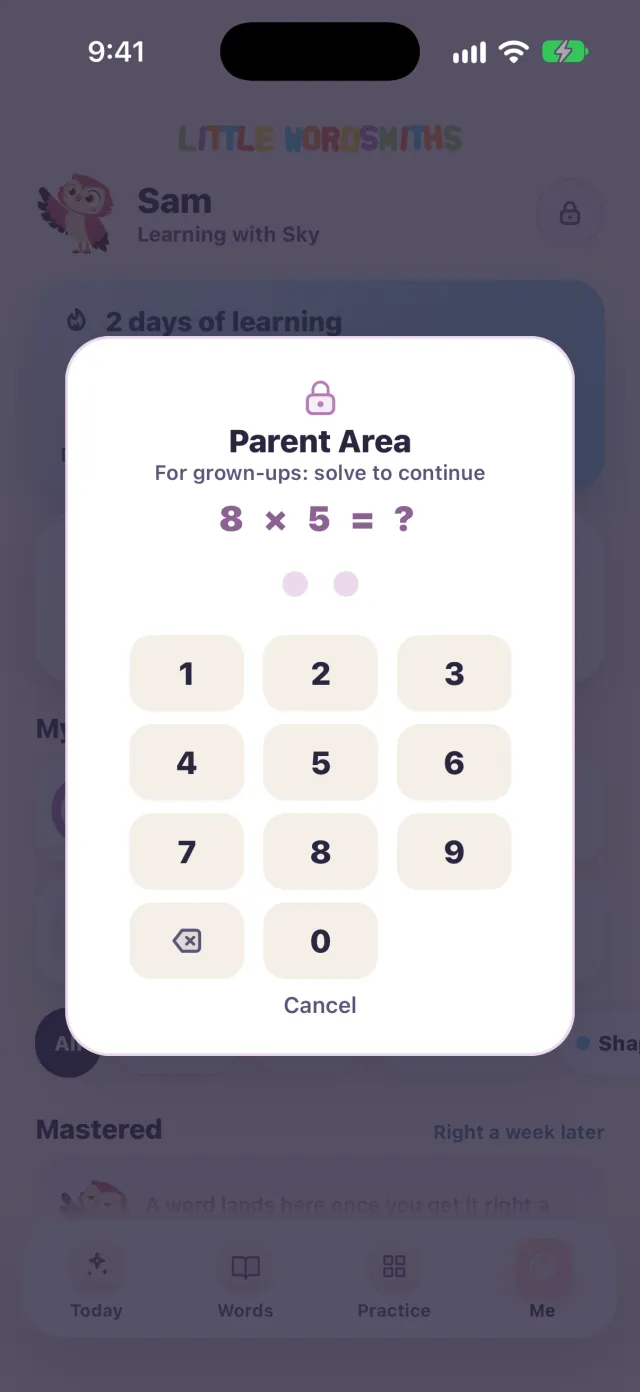
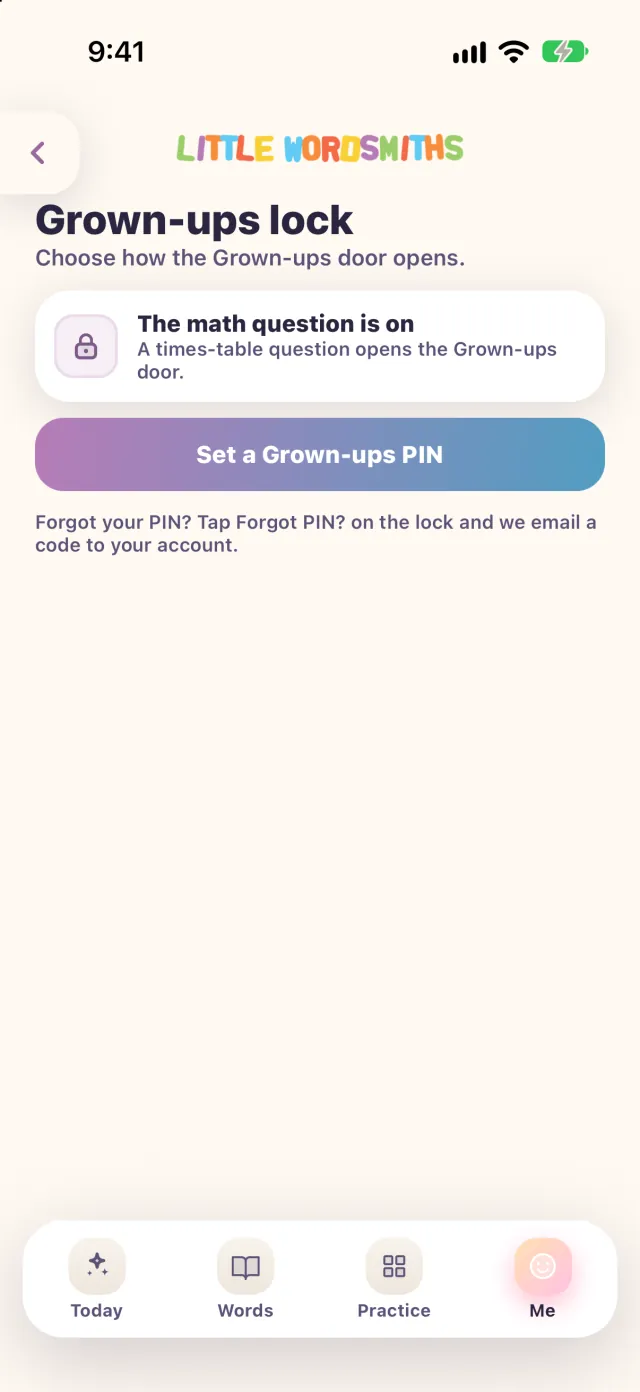
Everything below sits behind the grown-ups door. It opens with a short question, or with a PIN you choose, so a young child cannot wander into settings or billing.

  • A short question
  • A PIN you choose
The Parent Area door: For grown-ups, solve to continue, with a times-table question and a number pad.
Grown-ups lock: choose how the Grown-ups door opens, with a button to set a Grown-ups PIN.

Time

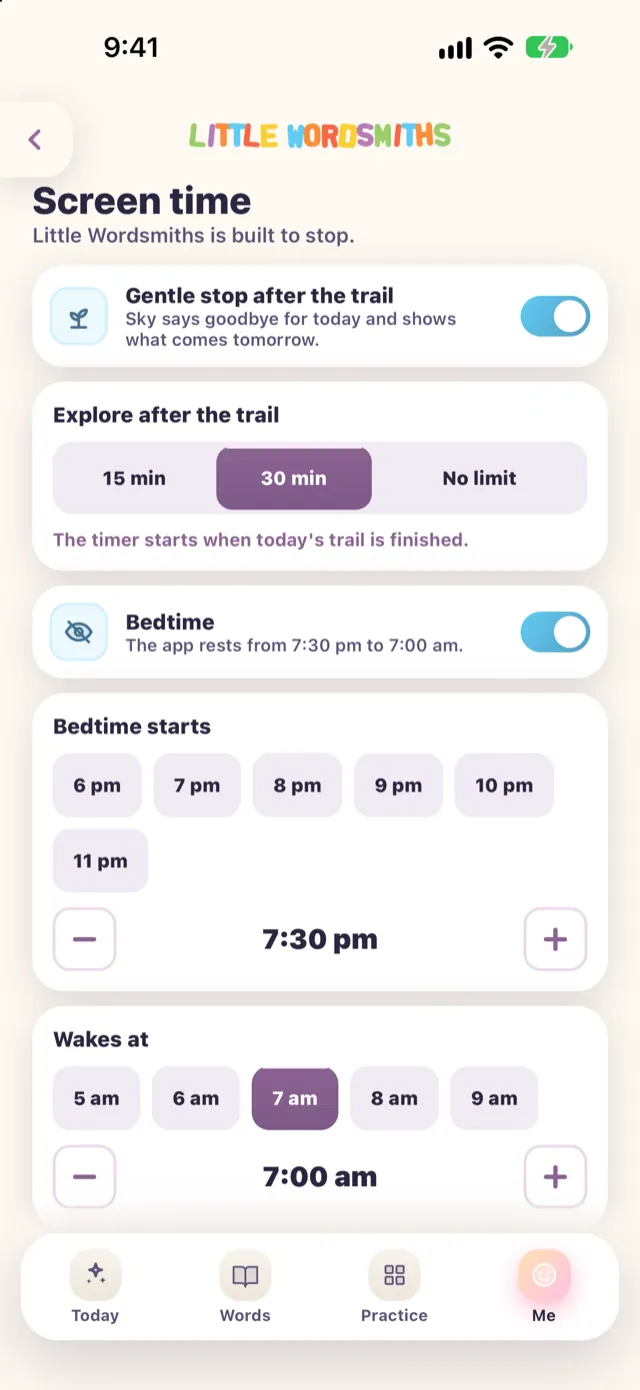
  • A gentle stop after the trail: 15 minutes, 30 minutes or no limit.
  • A bedtime, so the app rests overnight.
Screen time: a gentle stop after the trail, explore time of 15 or 30 minutes or no limit, and a bedtime.

Reminders

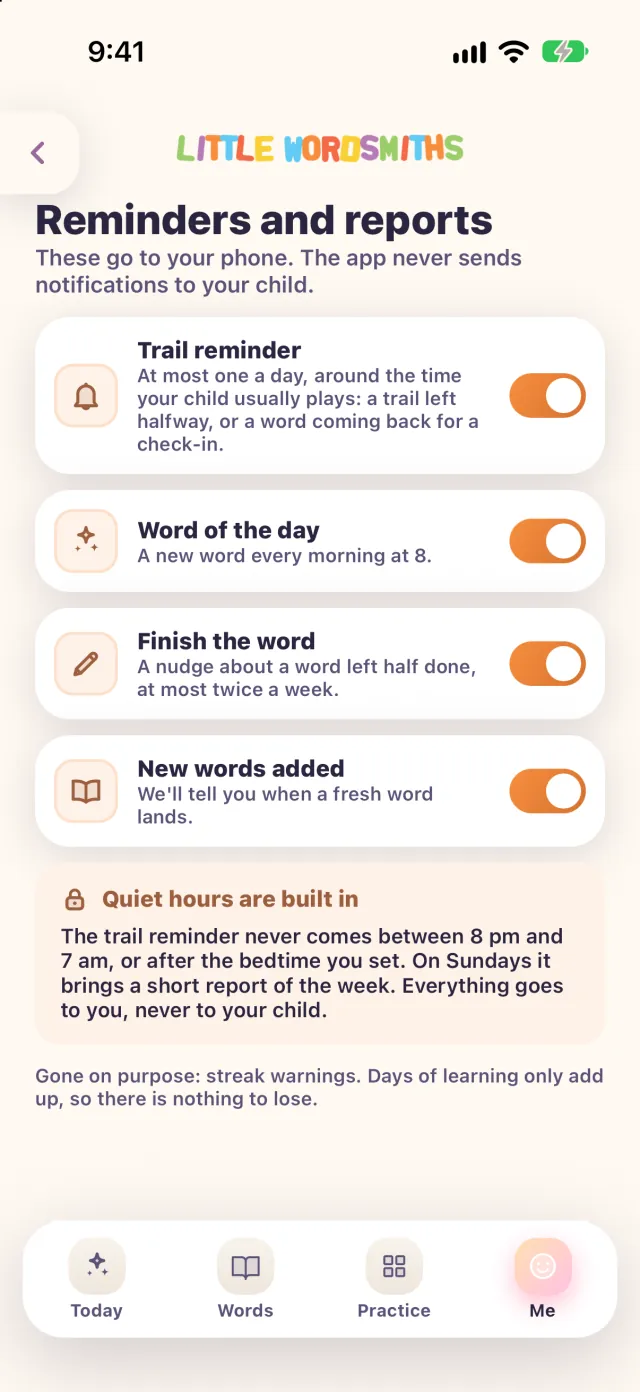
  • Reminders go to your phone, never your child’s.
  • They are on to begin with once your phone allows notifications, and each one can be switched off.
  • The daily reminder is sent at most once a day.
Reminders and reports: These go to your phone. The app never sends notifications to your child. Each reminder has its own switch.

Language and spelling

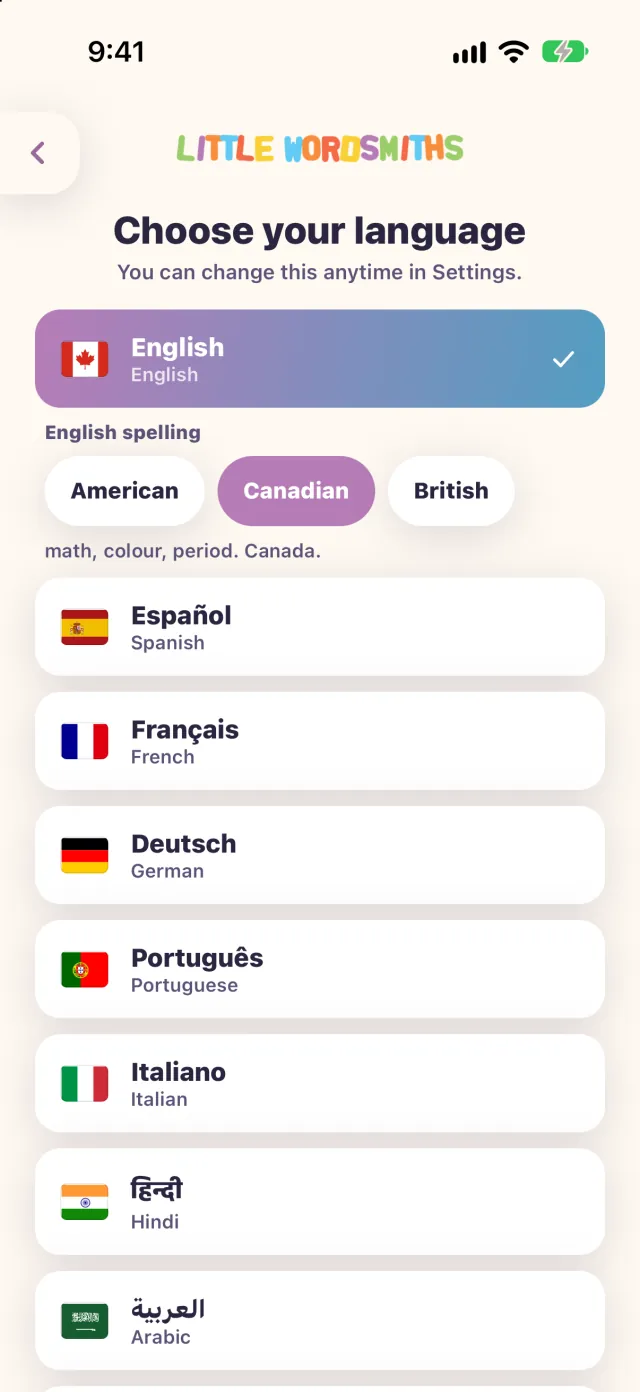
  • Choose your family’s language from 26.
  • In English, choose American, Canadian or British spelling.
Choose your language: English selected, with the English spelling choices American, Canadian and British.

Up to five children

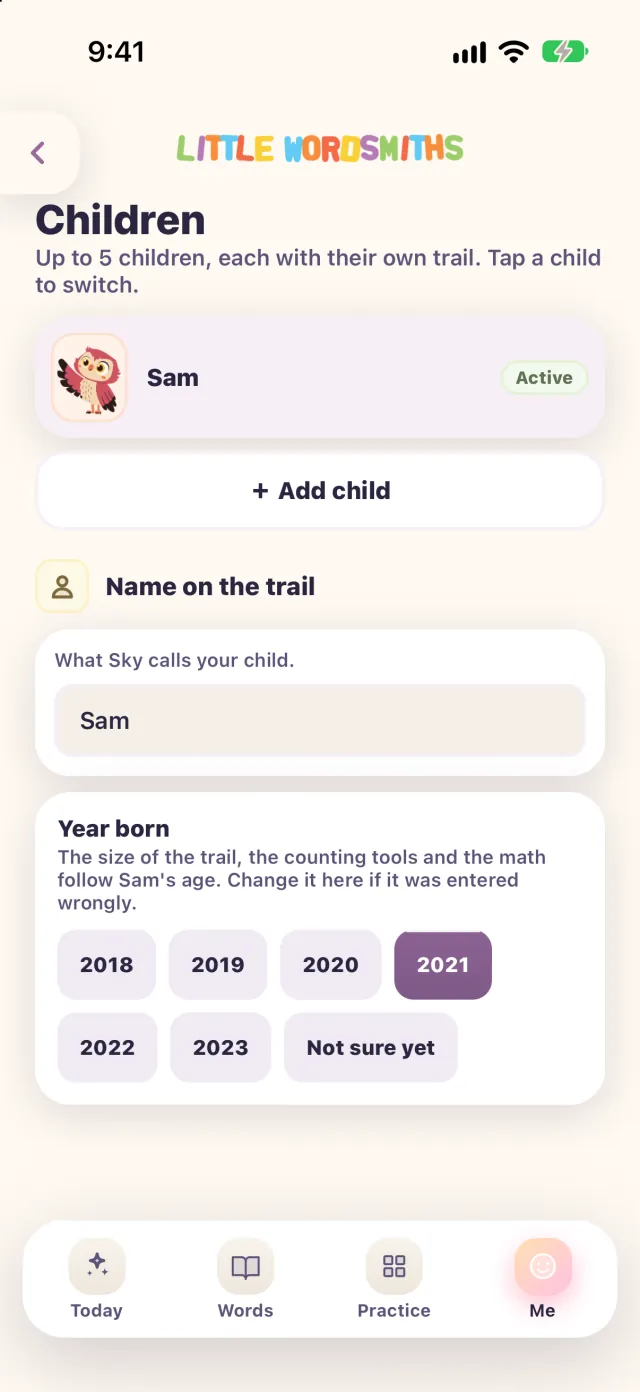
  • One family plan covers up to five children, each with their own progress.
Children: up to 5 children, each with their own trail, with an Add child button.

Delete

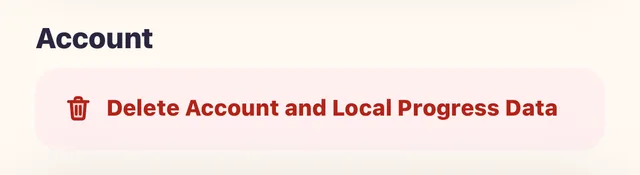
You can delete one child or the whole account any time. Here is how.

The Account section of Grown-ups, with a button to delete the account and local progress data.
Your child’s information

What we keep, in plain words

We keep the minimum to run the app and to show you progress.

  • We do notshow behavioural advertising to children
  • We do notsell your child’s personal information
  • We do notbuild marketing profiles of children
Signed in

If your child is signed in under your account

  • The profile you give usA first name (a last name and a birth date or year are optional), a picture avatar, and the language they learn in.
  • What your child doesWhat they opened, heard, traced, read and answered, including whether each answer was right or wrong, so you can see progress and so words can come back as check-ins.
  • The day’s trailHow many stops were finished and how many minutes they spent in the app.
  • A reminder noteA small note, replaced each time, used only to time one reminder a day, and only while that reminder is on.
Guest

If your child plays as a guest

Their learning stays on the device. Anonymous counters that say a screen was opened still reach us, and, like any online service, our servers receive ordinary technical information with each request.

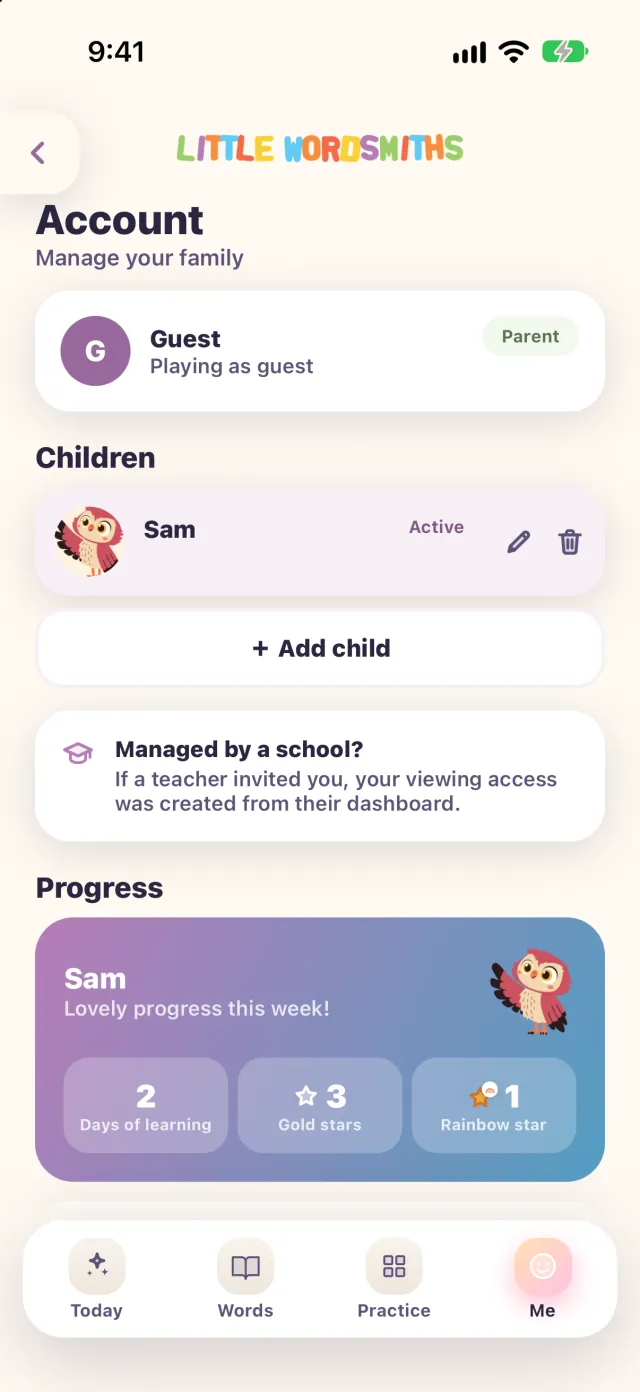
The Account page: Guest, playing as guest, with the child Sam listed under Children.

You can

In the app and in the parent portal.

A teacher and school, only if

You join a class and agree, or a school adds your child to one of its classes itself.

Nobody else

Nobody else’s family can see it, and there is no chat or public profile.

Because Little Wordsmiths needs a connection, the words, pictures and audio come from our servers, and progress is saved to your account when your child is signed in.

Schools

If your child joins a class

You decide. Nothing is shared with the school until you read the agreement and tick the box.

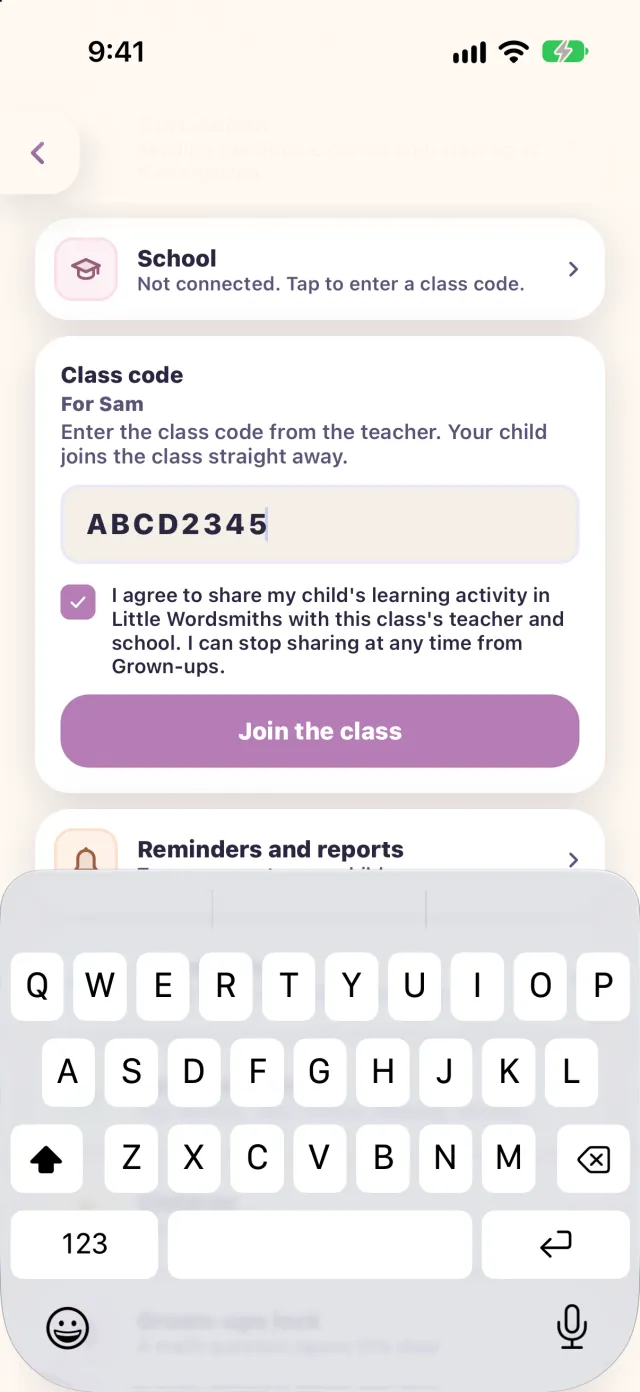
School, then Class code for Sam with a made-up code, the agreement to share Sam's learning activity with the class, and a Join the class button.
  1. A teacher shares a code

    An 8-character class code.

  2. You enter it

    In Grown-ups, under School. It needs a signed-in account with a confirmed email.

  3. You read and tick the box

    Nothing is shared with the school until you do.

  4. You can leave at any time

    You can leave the class from Grown-ups at any time, and sharing stops at once.

“I agree to share my child’s learning activity in Little Wordsmiths with this class’s teacher and school. I can stop sharing at any time from Grown-ups.”
The agreement says this.

What the teacher and school see

  • How many stops your child finished on the trail, and on how many days.

  • How many check-in and other answers were right.

  • The items the whole class is still practising.

  • The names of the grown-ups linked to your child. School administrators also see their email address.

If a school adds your child to a class itself, its staff see the same. If you did not expect that, tell us.

In numbers

The numbers a grown-up asks about

  • 2 to 8
    The ages we build for.
  • 26
    Languages, English and 25 more. Choose your family’s language.
  • Up to 5
    Children on one family plan, each with their own progress.
  • 1 a day
    At most, for the daily reminder. It goes to your phone, never your child’s.
  • 1, 3, 7, 14
    Around these days after a word is learned, it can come back as a check-in.
  • 8
    Characters in a class code. Nothing is shared until you agree.
Eight friends

Six children, a professor and an owl.

Adam, Alysa, Carlos, Olivia, Rohit and Zuri walk the trail with Professor William and Sky the owl. Sky is the one who lays out your child’s day.

  • Adam
  • Alysa
  • Carlos
  • Olivia
  • Rohit
  • Zuri
  • Professor William
  • Sky the owl
Questions

Questions?

Sky the owl

A real person will reply.

Review or delete

You can review or delete your child’s information in the app and in the parent portal (littlewordsmiths.com/parent), under Account and privacy.

Limits on your phone

Your phone’s own tools, Screen Time on iPhone and Family Link or Digital Wellbeing on Android, can add limits on top of ours.

Sky the owl waving

One short trail a day, in your family’s language.

Download Little Wordsmiths on iPhone, iPad or Android.

A subscription, bought in the app. Needs an internet connection.